Why Healthcare IT Is Different
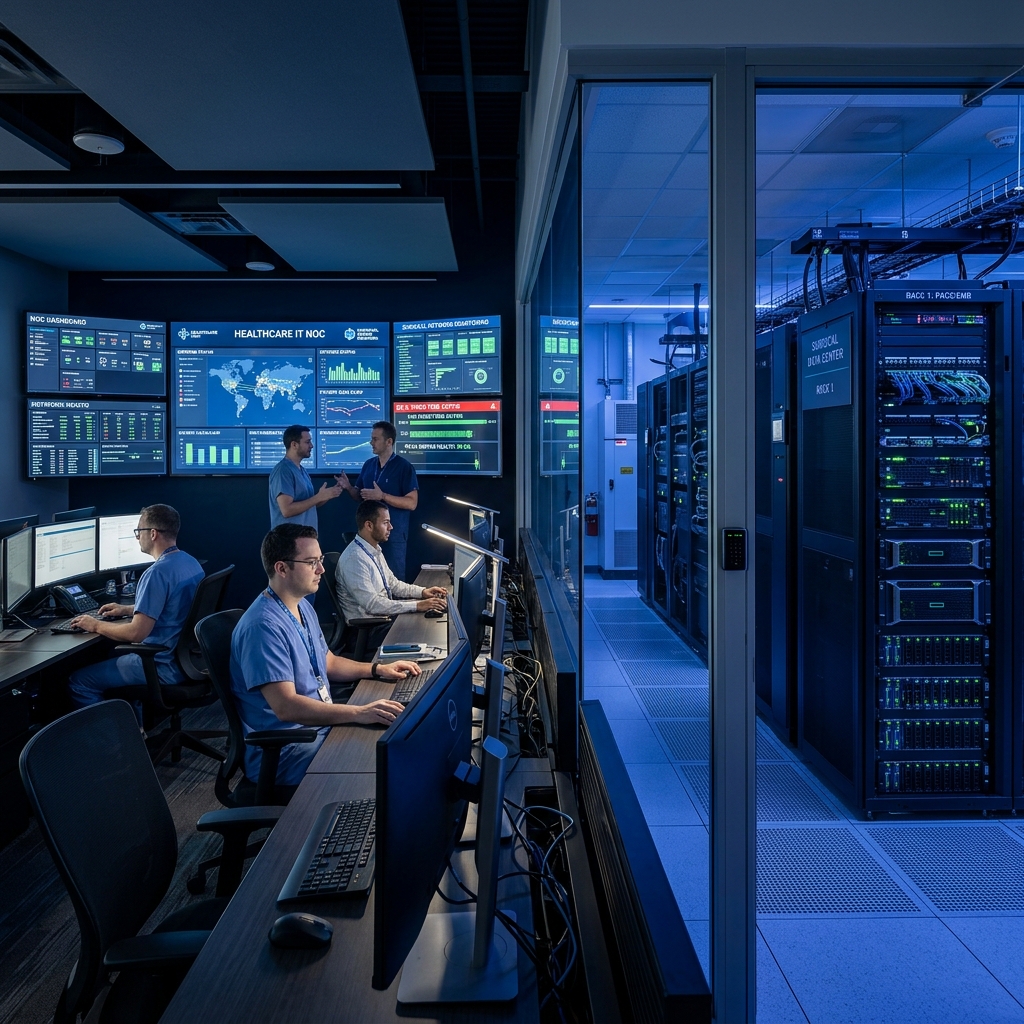
Healthcare environments have technology requirements that are fundamentally different from those of a typical office or corporate setting. In a commercial business, a brief system delay might slow down email responses; in a healthcare facility, IT downtime directly impacts patient intake, clinical care, and regulatory compliance.
These systems are rarely isolated. They are deeply connected. A single network switch failure or DNS issue can affect several clinical applications at once. An authentication glitch can lock physicians out of chart updates right before surgery. A breakdown in clinical integration can completely disrupt an established care workflow.
Core Takeaway
This is why healthcare organizations need far more than traditional break-fix IT support. Your IT provider must understand the intricate relationship between technology availability, security safeguards, network infrastructure, and daily healthcare operations.
Look for Healthcare IT Experience
When evaluating potential IT providers, one of the very first questions a healthcare administrator or medical director should ask is:
“Have you supported healthcare organizations similar to ours?”
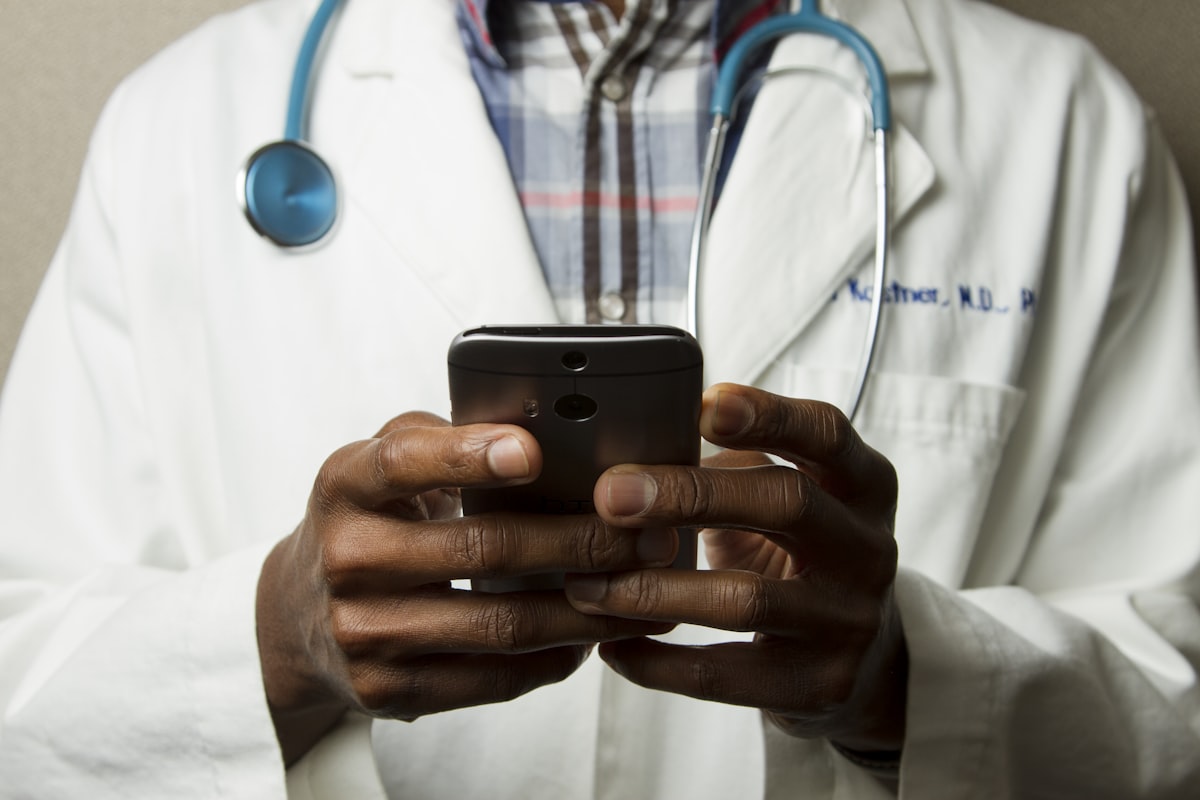
Healthcare experience matters because specialized IT teams must understand clinical workflows, EMR environments, sensitive PHI data handling, connected medical hardware, and the distinct technology needs of both administrative and clinical staff.
The provider does not necessarily need to manage every single proprietary application directly. What matters is whether they understand the surrounding network and cloud ecosystem well enough to rapidly troubleshoot issues, isolate root causes, and coordinate directly with third-party software vendors.
For a Chicago-based healthcare organization, proven experience in local clinical environments can be significantly more valuable than selecting a generic IT firm with a long list of non-specialized services.
Ask What Happens When Something Breaks
The true test of an IT provider rarely happens during routine onboarding—it comes when a critical clinical system stops working during peak operating hours.
Imagine a busy Chicago medical practice or surgery center on a Monday morning. Patients are filling the waiting room. Staff are checking appointments and updating insurance records. Phones are ringing continuously. Then, an important EMR or patient check-in application becomes completely unavailable.
Monday Morning Outage Simulation — Questions to Answer Before Signing:
- Who does the clinical staff contact immediately?
- How quickly is the ticket acknowledged by a dedicated technician (e.g., same-hour clinical SLA)?
- Is there a clearly defined escalation path for emergency clinical outages?
- Can the issue be resolved remotely via encrypted support tunnels?
- If an on-site technician is required in Chicago, how fast can a local engineer arrive?
A capable healthcare IT provider should be able to explain their exact incident response framework and tier-based SLA response times rather than simply promising vague "fast support."
Keep Cybersecurity Part of the IT Conversation
Cybersecurity should never be treated as a separate, siloed product added as an afterthought. It must be woven directly into everyday IT operations.
Healthcare organizations manage highly confidential data—including patient medical histories, Social Security numbers, employee credentials, financial billing information, and sensitive operational records. Ransomware attackers heavily target healthcare facilities because system downtime directly impacts patient welfare.

Security breaches rarely start with complex masterminds; they often begin with ordinary human or technical vulnerabilities: a targeted phishing email, a compromised staff password, unpatched workstation software, or an incorrectly configured network port.
The important thing is not simply having security tools. Those tools need to work together as part of the organization's wider IT environment.
9 Core Safeguards of a Modern Healthcare IT Security Stack:
1. Multi-Factor Authentication (MFA)
Mandatory across email, EMR, VPN, and workstation logins.
2. Endpoint Protection (EDR/MDR)
Next-gen threat detection monitoring laptops and servers 24/7.
3. Zero-Trust Network Security
Micro-segmentation restricting lateral movement across clinical networks.
4. Identity & Access Management
Role-based permissions restricting PHI data access.
5. Automated Patch Management
Automated OS and software patching without disrupting clinical care.
6. 24/7 SIEM / SOAR Monitoring
Continuous log monitoring to detect suspicious activity in real time.
7. Phishing & Staff Training
Advanced spam filtering and regular phishing simulations.
8. Immutable Offsite Backups
Encrypted backups protected against ransomware deletion.
9. Incident Response Playbooks
Documented containment & OCR breach notification protocols.
Ask About EMR and Clinical IT Integration
Healthcare IT is not limited to basic desktop computers, printers, and office Wi-Fi. Clinical systems can be closely connected to everyday workflows. If an EMR or another clinical application becomes unavailable, employees experience delays that have little to do with the physical computer itself.
Vendor Coordination Checklist
When evaluating an IT provider, ask: Which healthcare platforms have you supported? Can you coordinate directly with EMR vendors? Do you understand clinical system integrations? How do you work with third-party healthcare technology providers? The ability to coordinate across systems becomes particularly important when an organization uses multiple specialized vendors.
Look for Proactive IT Monitoring
There is a significant difference between waiting for employees to report problems and actively monitoring an IT environment.
❌ Reactive IT Model
Problem Occurs → Employee reports it → Technician investigates → Clinical disruption and downtime occur.
✅ Proactive IT Model
Systems Monitored 24/7 → Potential issue identified → Technician investigates & resolves before disruption.
Depending on the environment, proactive monitoring helps identify issues involving network performance, hardware storage, server loads, application latency, system availability, security events, software updates, and overall infrastructure health.
Don't Overlook Backup and Disaster Recovery
Having backups is important, but it is only part of the recovery process. A backup that has never been tested may not provide the confidence an organization expects during an emergency.
7 Questions for Disaster Recovery:
- What data is being backed up?
- How frequently are backups performed?
- Where are backups stored?
- How are they protected from ransomware?
- Is recovery regularly tested?
- What happens during a ransomware incident?
- Which systems are restored first during an outage?
Consider Local IT Support in Chicago
Some IT problems can be handled remotely. Others require someone to be physically present. Network equipment may need to be inspected. A workstation may need replacement. New infrastructure may need installation. A healthcare organization opening another location may need assistance deploying technology.
For Chicago healthcare organizations, local availability can therefore be useful when on-site assistance is required. However, being local should not be the only consideration. The provider should also have the technical capabilities and healthcare experience needed by the organization.
Think About Future Growth
An organization's technology requirements can change quickly. A healthcare practice may add employees, open another location, introduce new applications, move services to the cloud, replace infrastructure, or add connected devices.
The goal is not just to solve today's IT problems. It is to have an IT environment that can adapt as the organization changes.
📋 What Chicago Healthcare Organizations Should Ask an IT Provider
Before choosing an IT provider, healthcare administrators can use this evaluation checklist:
Healthcare Experience
- Do you have experience supporting healthcare organizations?
- Do you understand clinical workflows?
- Can you support both administrative and clinical technology?
IT Support & Response
- What happens when a critical system goes down?
- How are urgent issues escalated?
- Is after-hours support available?
- Is on-site assistance available when necessary in Chicago?
Cybersecurity
- How are endpoints protected?
- Do you provide MFA and access management?
- How are security events monitored?
- What is the process for responding to security incidents?
Backup and Recovery
- What data is backed up?
- How is backup data protected?
- How often is recovery tested?
- What happens during a major outage?
Healthcare Systems & Scalability
- Can you coordinate with EMR/EHR vendors?
- Do you support clinical technology integrations?
- Can you support multiple locations and growth?
Where ALIS Technology Fits
Healthcare organizations often need their IT support, cybersecurity, infrastructure, and clinical technology to work together rather than being managed as completely separate pieces.
ALIS Technology is a Chicago-based IT and digital transformation firm providing managed IT, cybersecurity, healthcare technology, clinical IT integration, backup and recovery, and other technology services for organizations operating in regulated environments.